
REAL OUTPUT · CLEAR DISCLOSURE
Real estate video examples
Inspect the source images, assembled preview, review method, and limitations before deciding whether this workflow fits a listing.
SEASIDE APARTMENT
Five scenes, one private walkthrough
- Source
- 5 property images
- Length
- 25 seconds
- Export
- 720p landscape MP4
- Audio
- Silent
The source images are synthetic development fixtures, not a real listing. The current MP4 is a simulated workflow preview and should not be treated as a quality benchmark for live AI motion.
What is shown
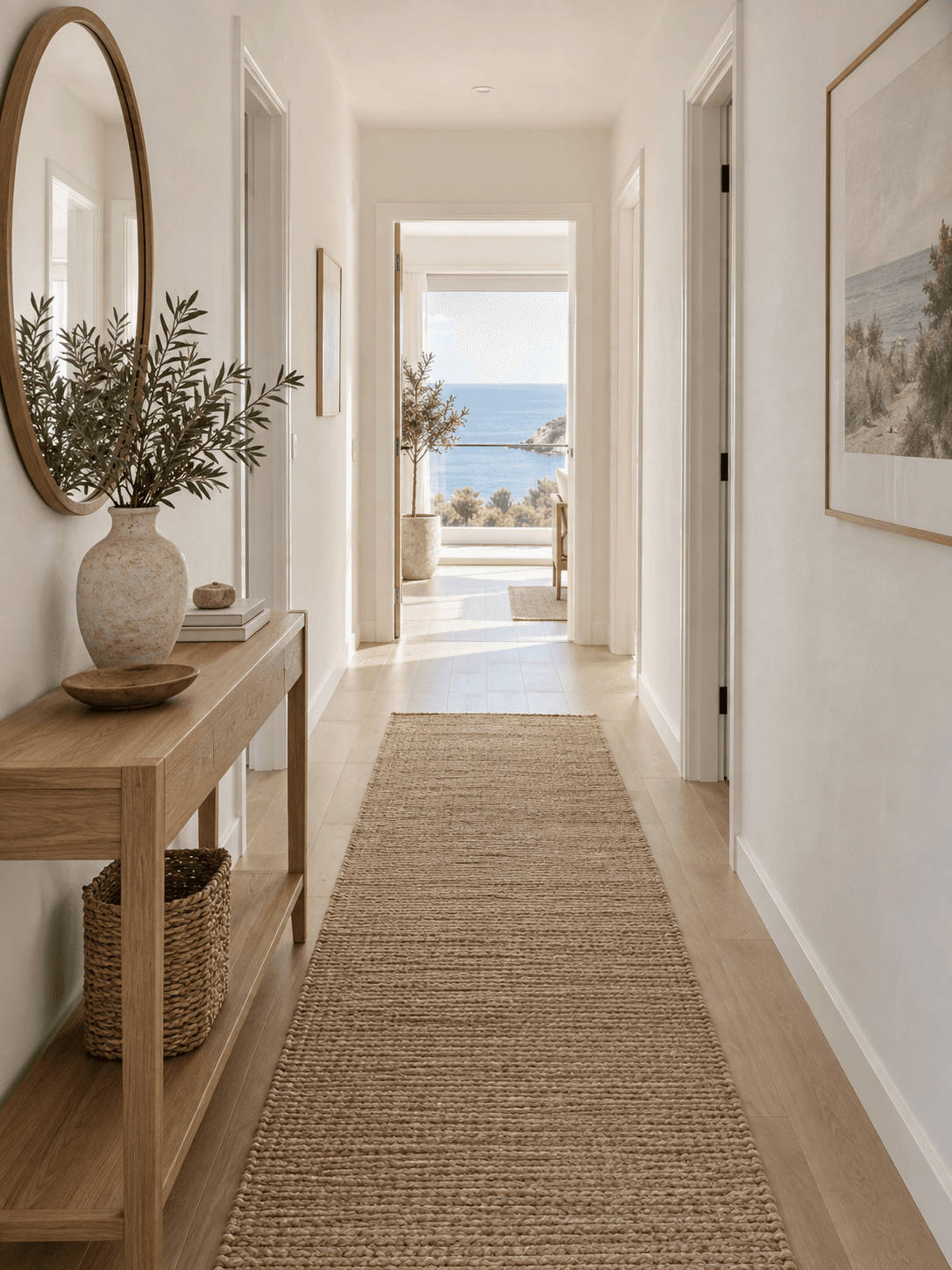
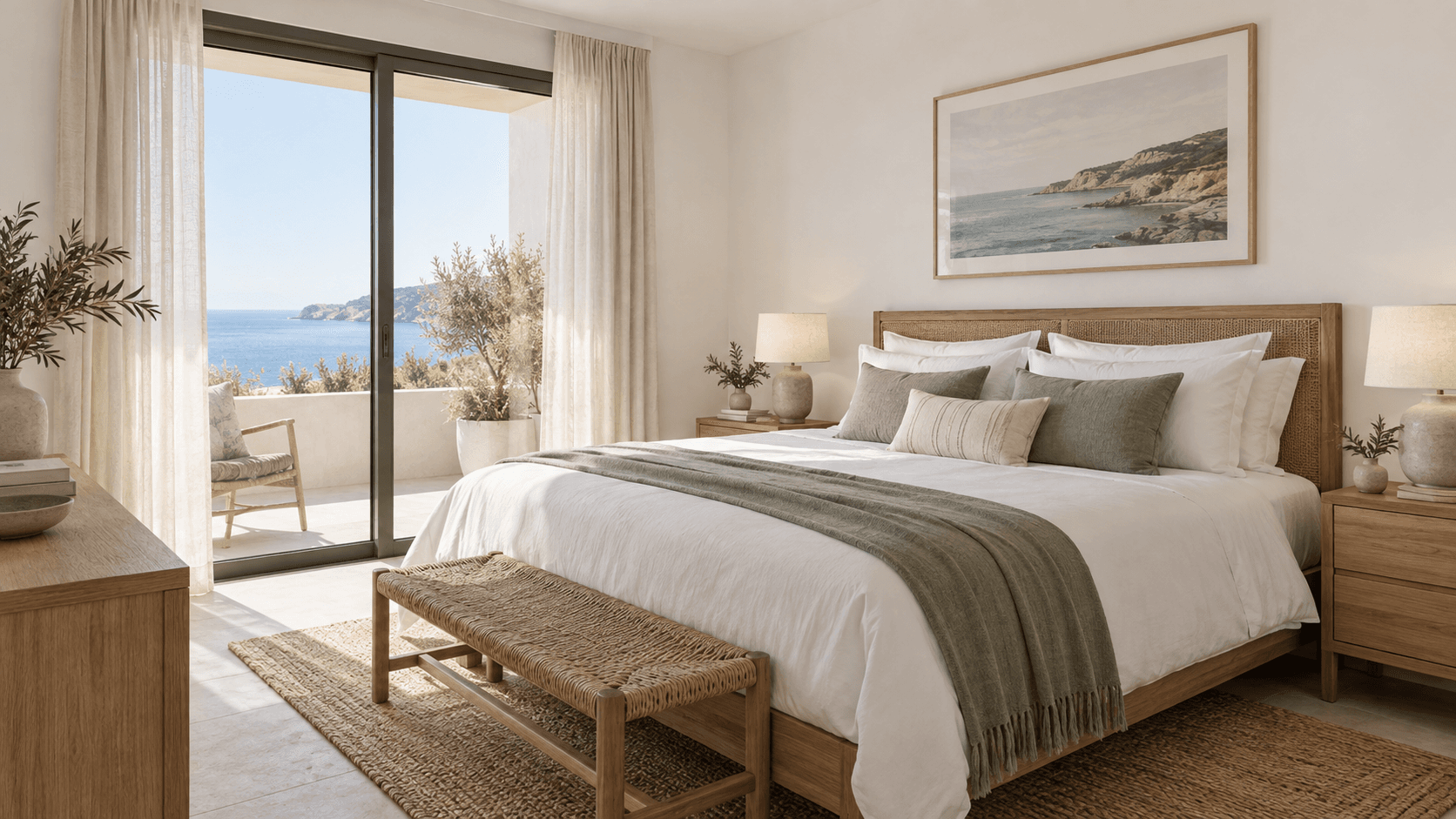
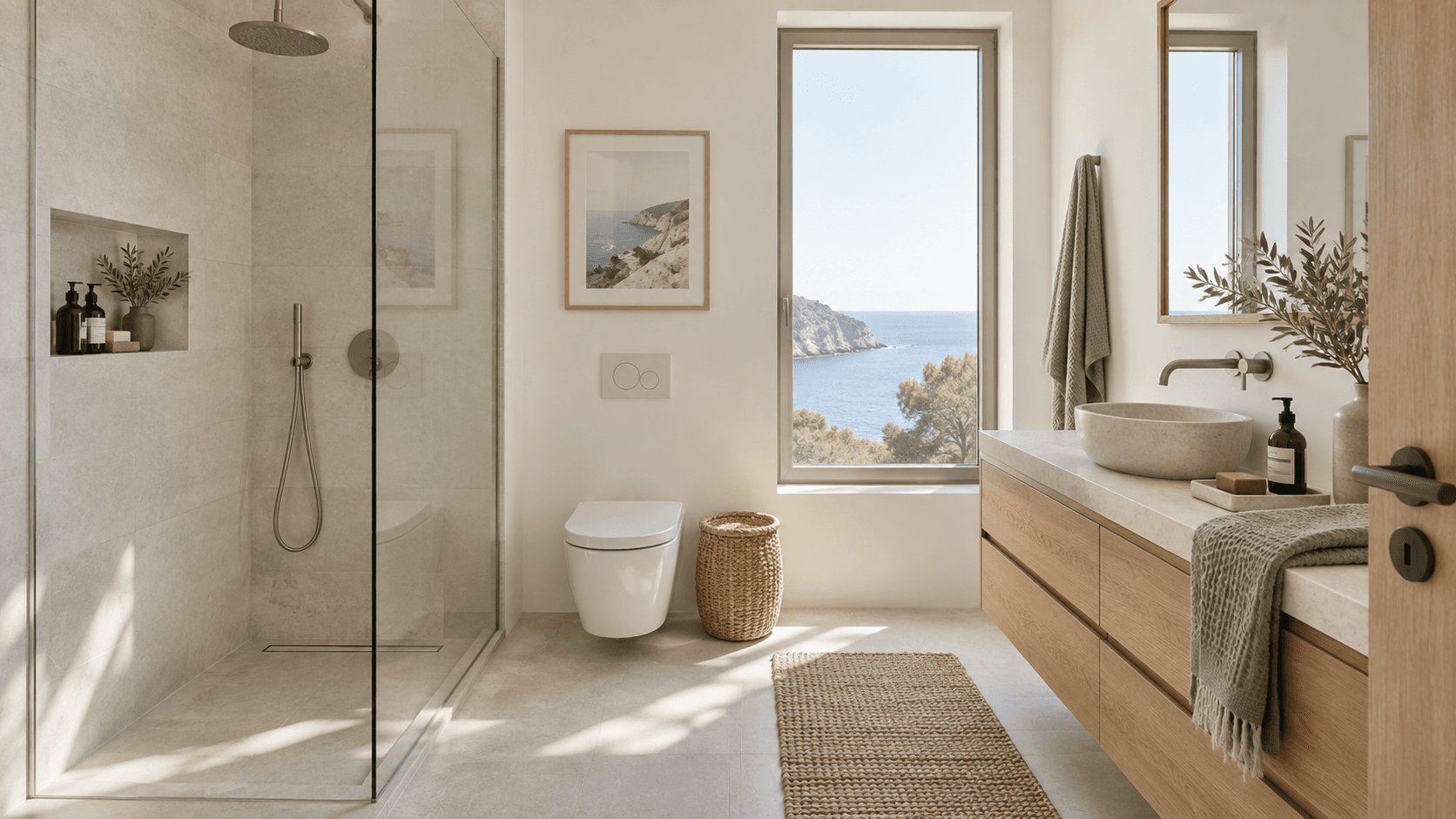
The exact five synthetic source images and the assembled 25-second preview.
What is disclosed
Synthetic inputs, simulated output, landscape format, silence, and review limits.
What is not claimed
No real listing, filmed walkthrough, sales result, or live-provider benchmark.
The five source scenes


REPRODUCIBLE METHOD
How this demonstration was assembled
This page separates the evidence we can show today from the proof that still requires beta output from a real, permissioned listing.
- 01
Create controlled source images
Five synthetic room images were produced for development testing; no real property or customer media is represented.
- 02
Order the viewing sequence
Living room, dining area, hallway, bedroom, and bathroom were arranged as a simple five-scene route.
- 03
Assemble the preview
The mock workflow produced one silent, landscape 720p MP4 lasting approximately 25 seconds.
- 04
Review against every source
Fixed features, framing, room order, disclosure, and export behavior are checked before a file is approved for publication.
Inspect a scene against its source
Drag the handle and look for preserved fixed details. Every user should repeat this review for all five scenes before publishing.
Publication checklist
Apply this review to every real listing example. Platform, brokerage, MLS, and local requirements may be stricter.
- Confirm permission to use every source image.
- Compare fixed property details scene by scene.
- Reject invented spaces, openings, fixtures, or views.
- State clearly when motion is AI-generated.
- Keep the approved sources with the final export.
- Check destination rules before publishing.
Outreach readiness: one transparent demonstration is live. A second permissioned case study with genuine generated motion is still required before example-led outreach begins.
Create your first walkthrough from five photos.
Open a free account. Paid generation will be available during early access.
Join early access