
Compare
Check each scene against the original photo for fixed property details.
UPLOAD · ORDER · GENERATE · REVIEW · DOWNLOAD
The workflow is intentionally narrow: five photos become five reviewable scenes and one private landscape walkthrough.
Choose the rooms that best explain the property.
Drag scenes into the natural path through the home.
Receive a 25-second, 720p property walkthrough.
No editing timeline. Every state is clearly labeled.
Start with five listing photos
JPG OR PNG · UP TO 15 MB EACH
After upload
Photos become draggable scenes
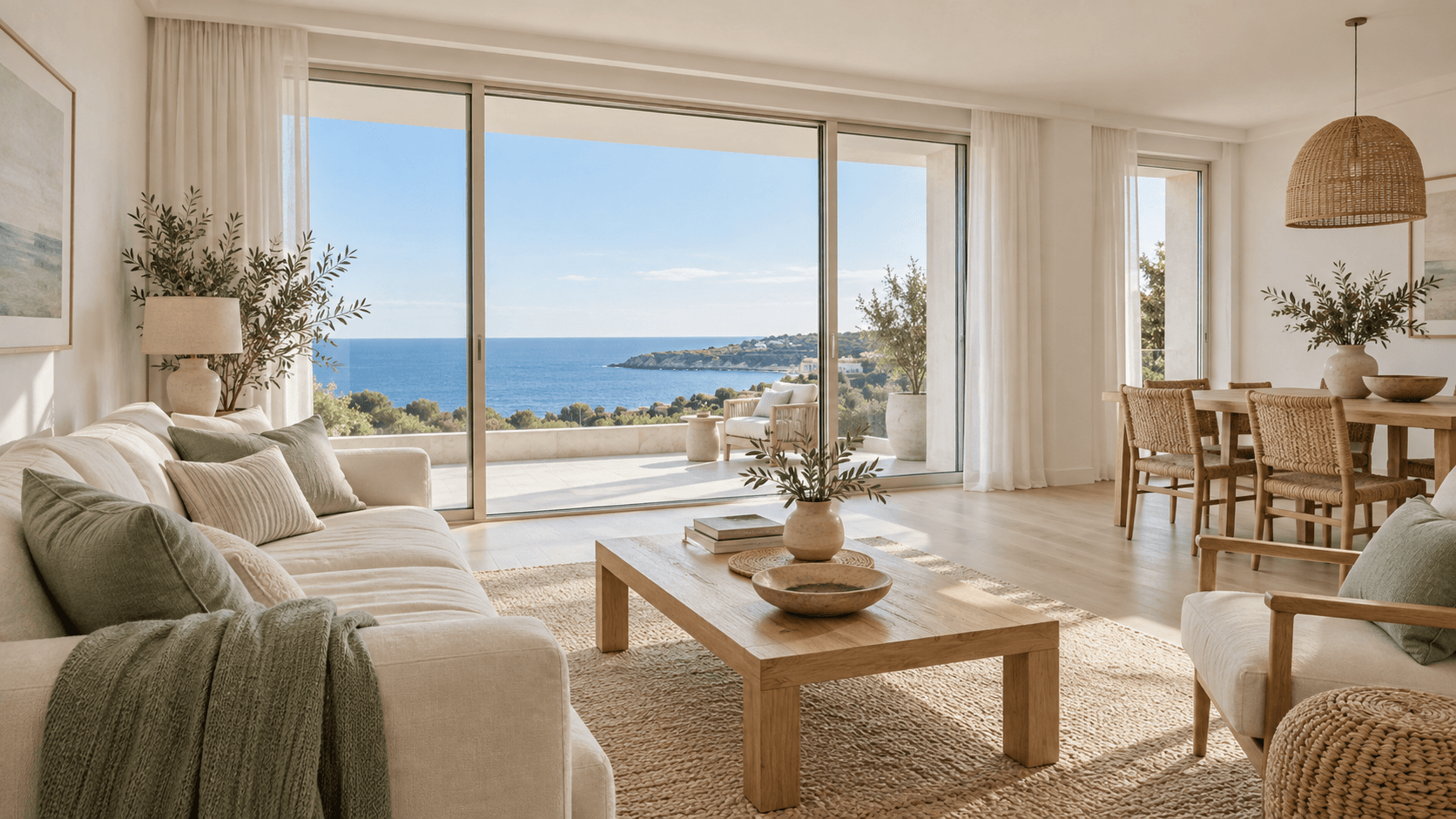
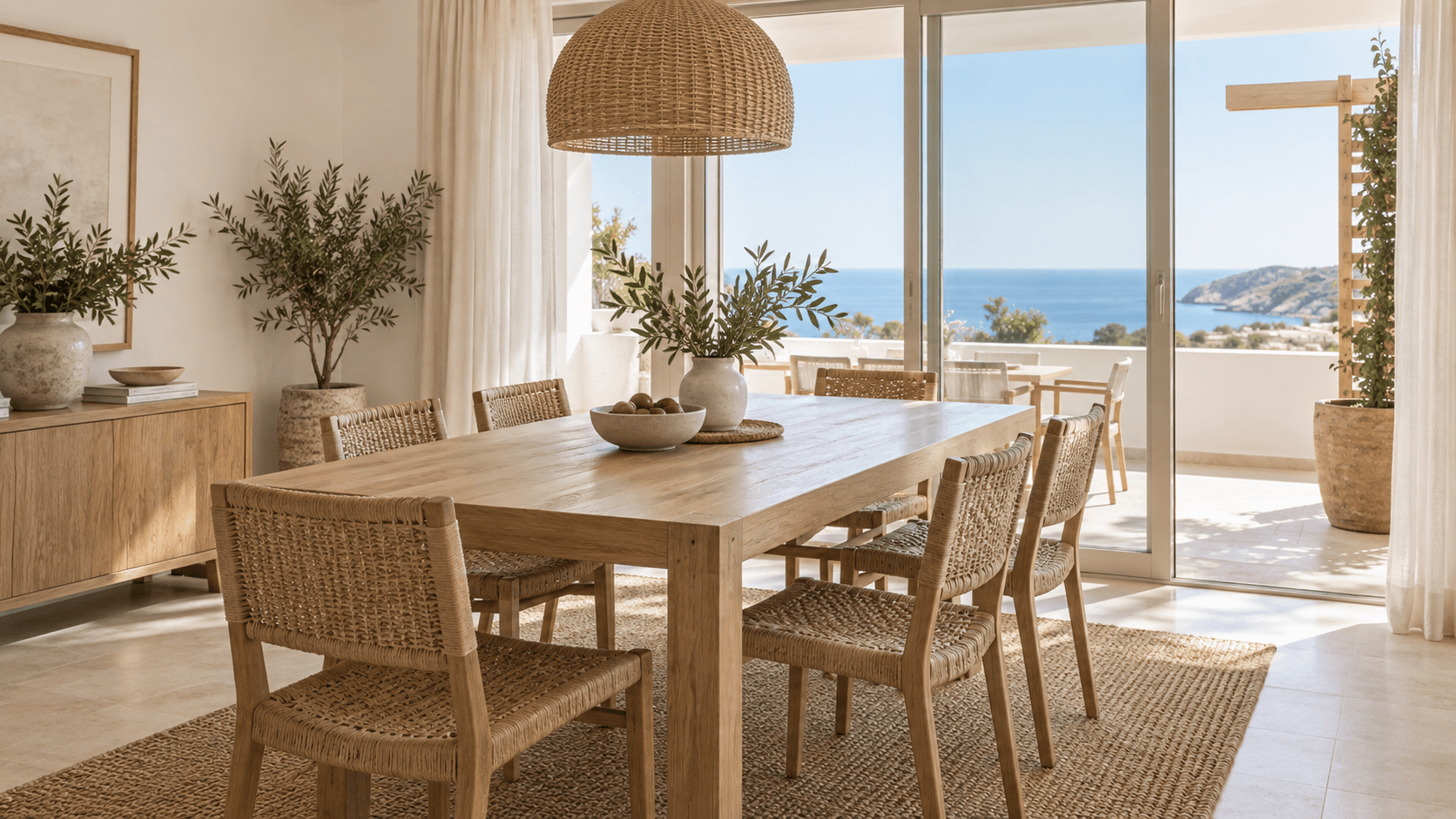
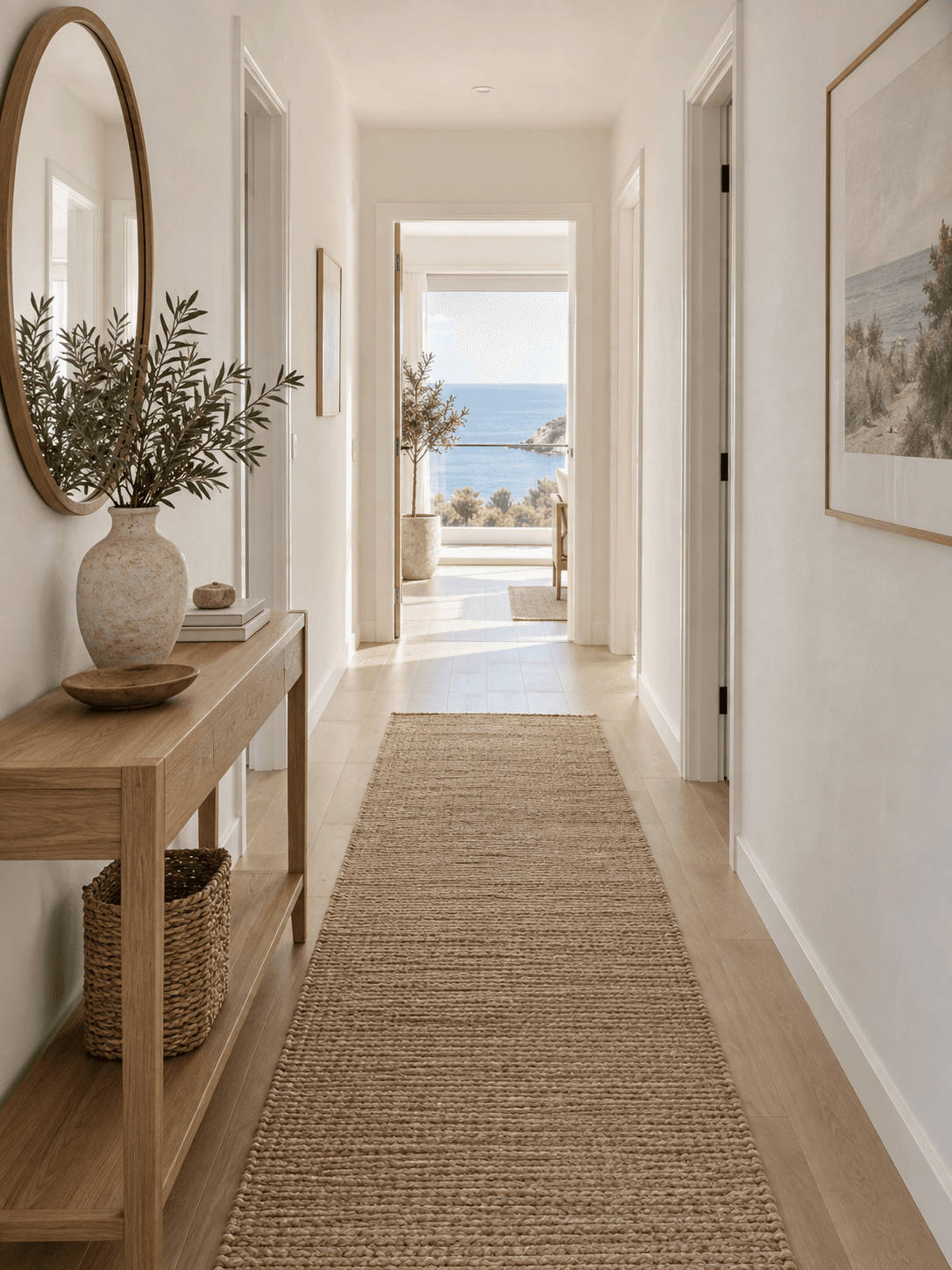
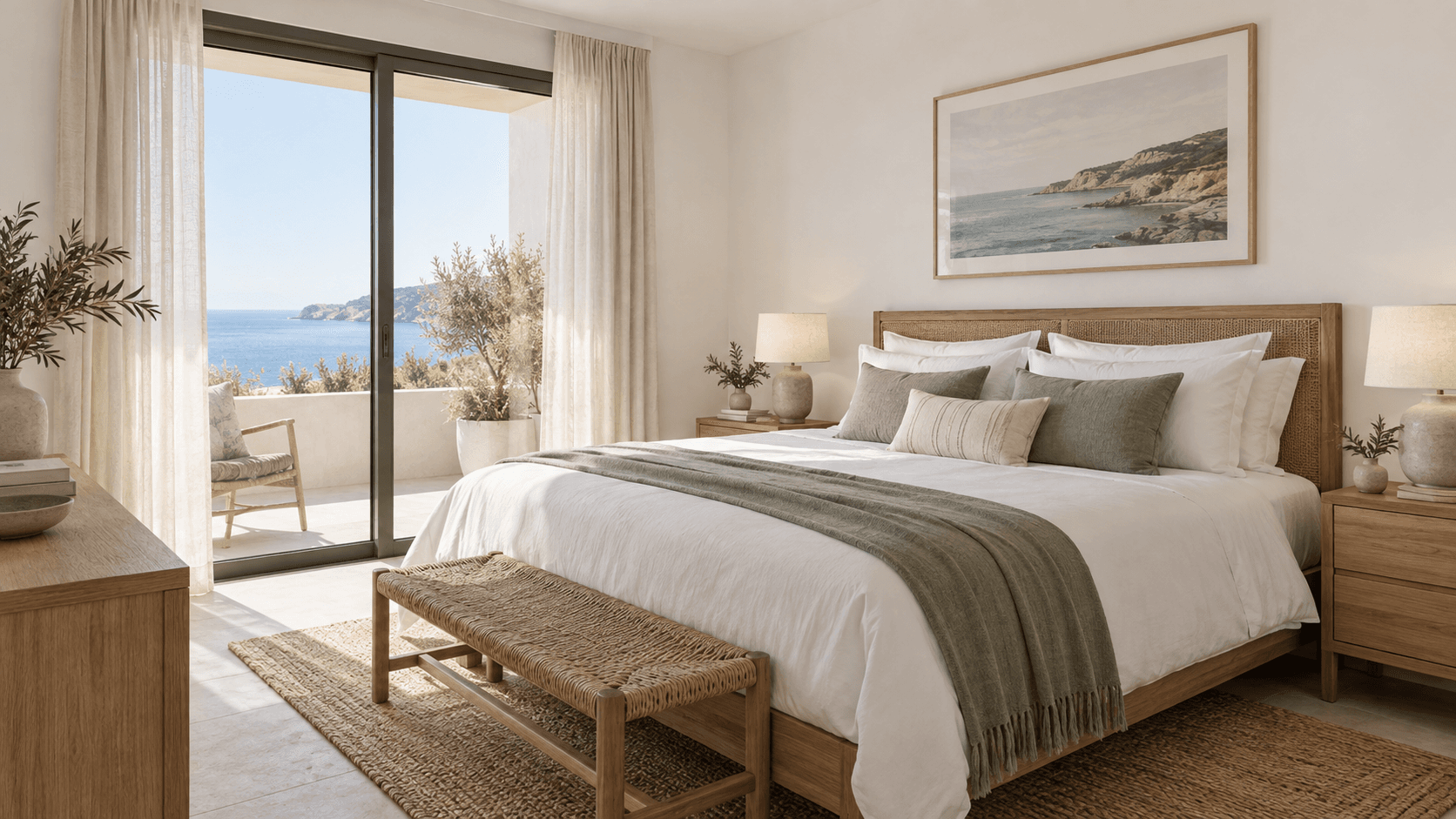
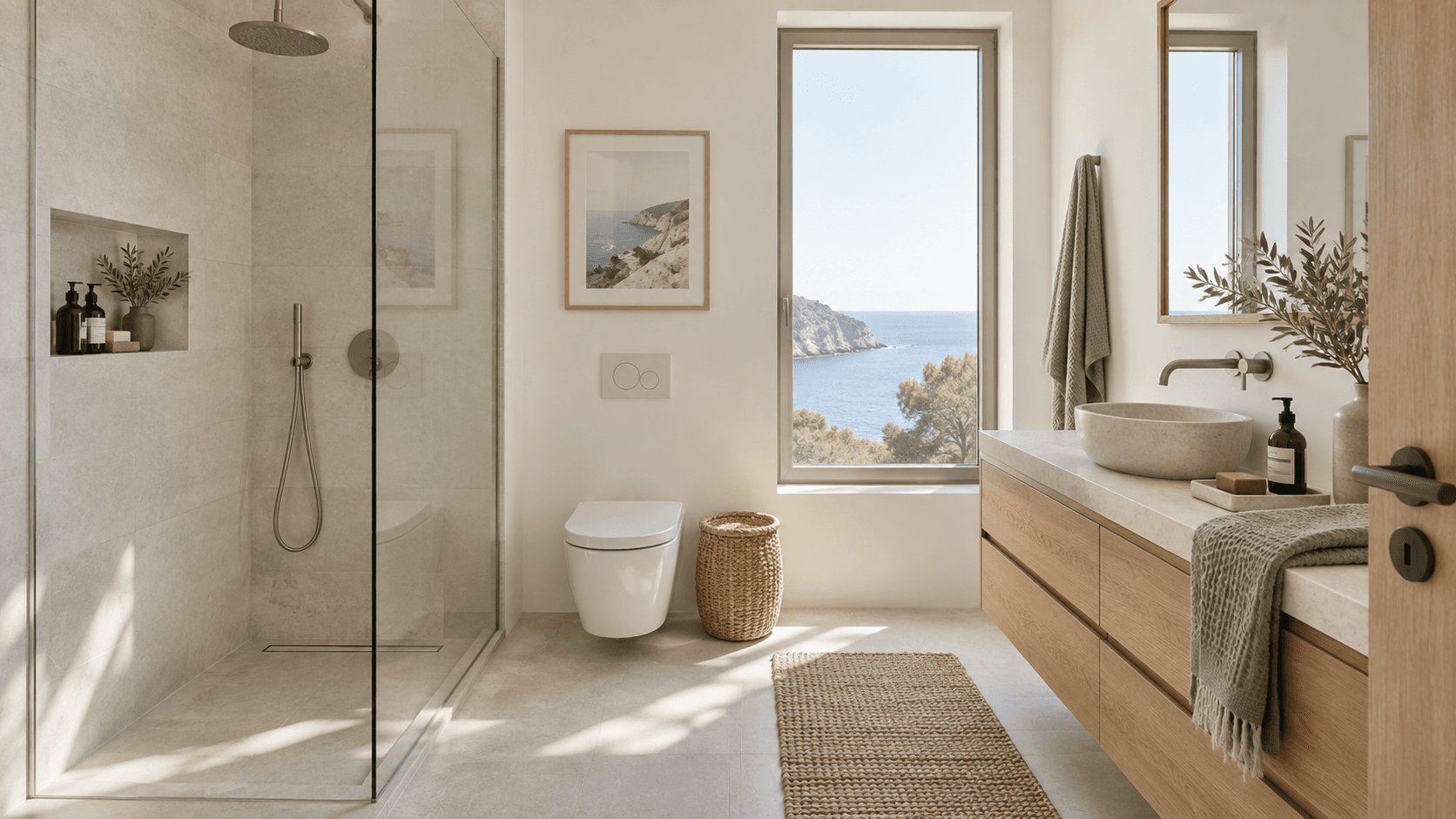
Check each scene against the original photo for fixed property details.
Reserve 70 credits to replace one scene while reusing the other four.
Completed master versions remain immutable so a previous approved file is not silently overwritten.
Project media is stored privately and served through signed access. Public examples are published separately with permission.
Unused reserved credits are released for eligible failed work. A failed scene reroll keeps the previous completed master available.
Arrange the five photos before generation. A new ordering requires a new walkthrough generation rather than silently changing an approved master.
The current staging policy retains completed project media for 90 days after the latest successful walkthrough or reroll. Confirm the production policy at launch.
Open a free account. Paid generation will be available during early access.
Join early access